studIA Notes: designing and shipping an AI study app
How I designed the architecture of an AI note-taking app for university students, directed its AI-assisted development and built the server behind it.
- Role
- Founder, architect and only developer
- Platforms
- Android (phone + tablet) · Windows
- Stack
- Flutter · Node.js · OpenAI API · Google Play Billing · SQLite
- Status
- In closed testing with real users · Windows installer available · Google Play: October 27, 2026
The problem
University students juggle slides, PDFs and handwritten notes across different apps, then cram before exams without knowing what to review. I couldn’t find an app that let me study the way I wanted, so I designed one.
What it does
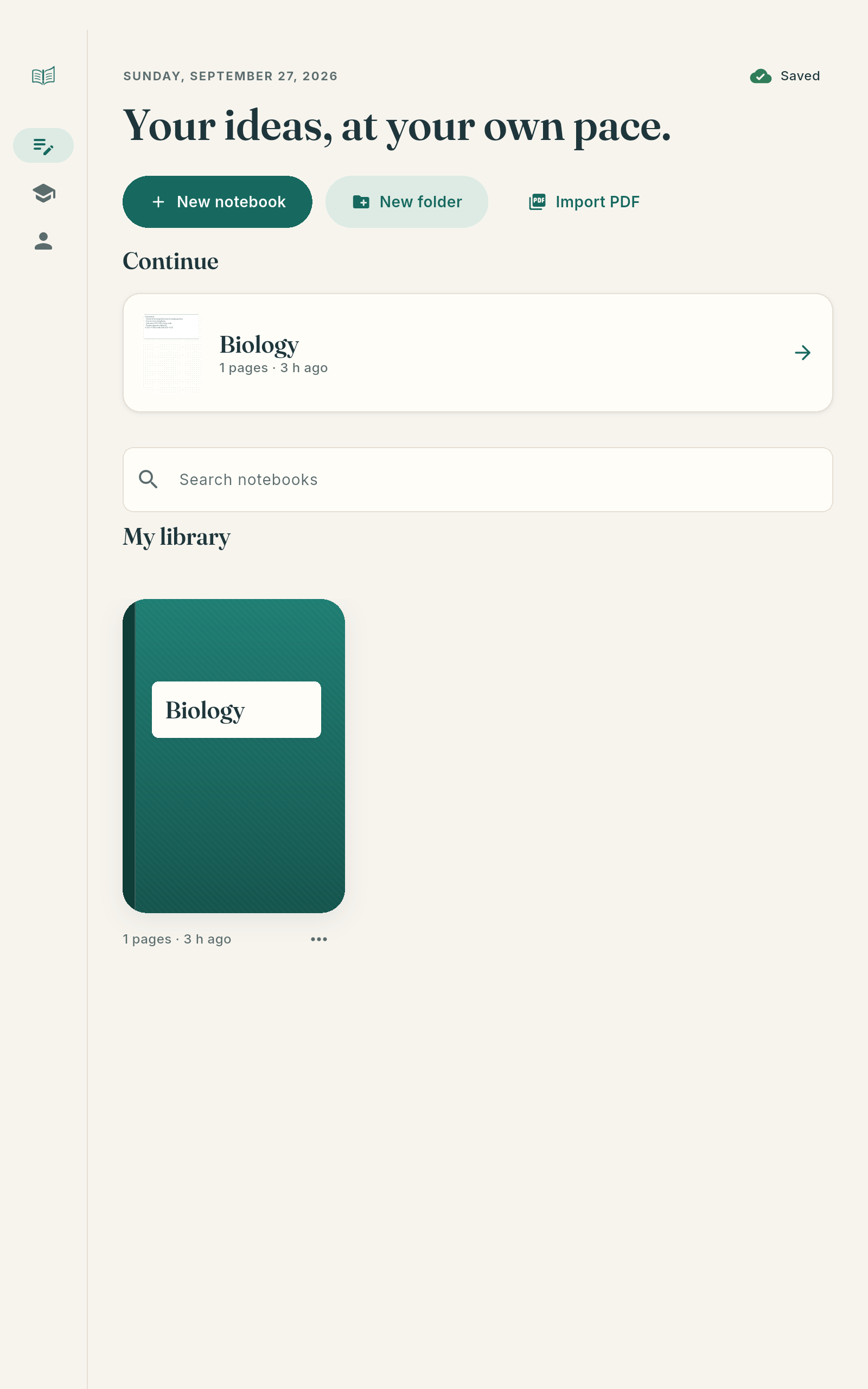
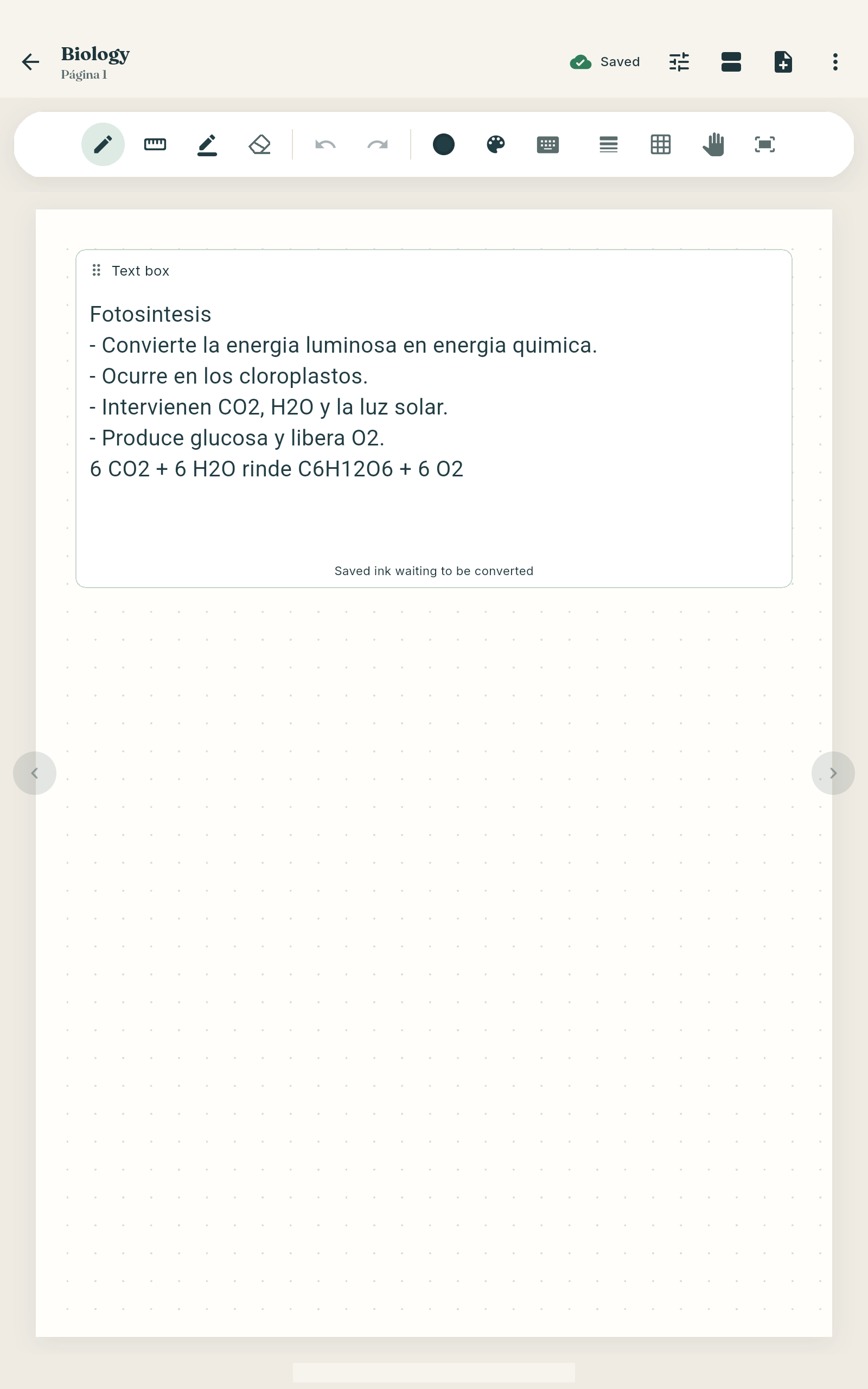
- Handwritten notes with a stylus
- Import PDF slides or scan paper notes
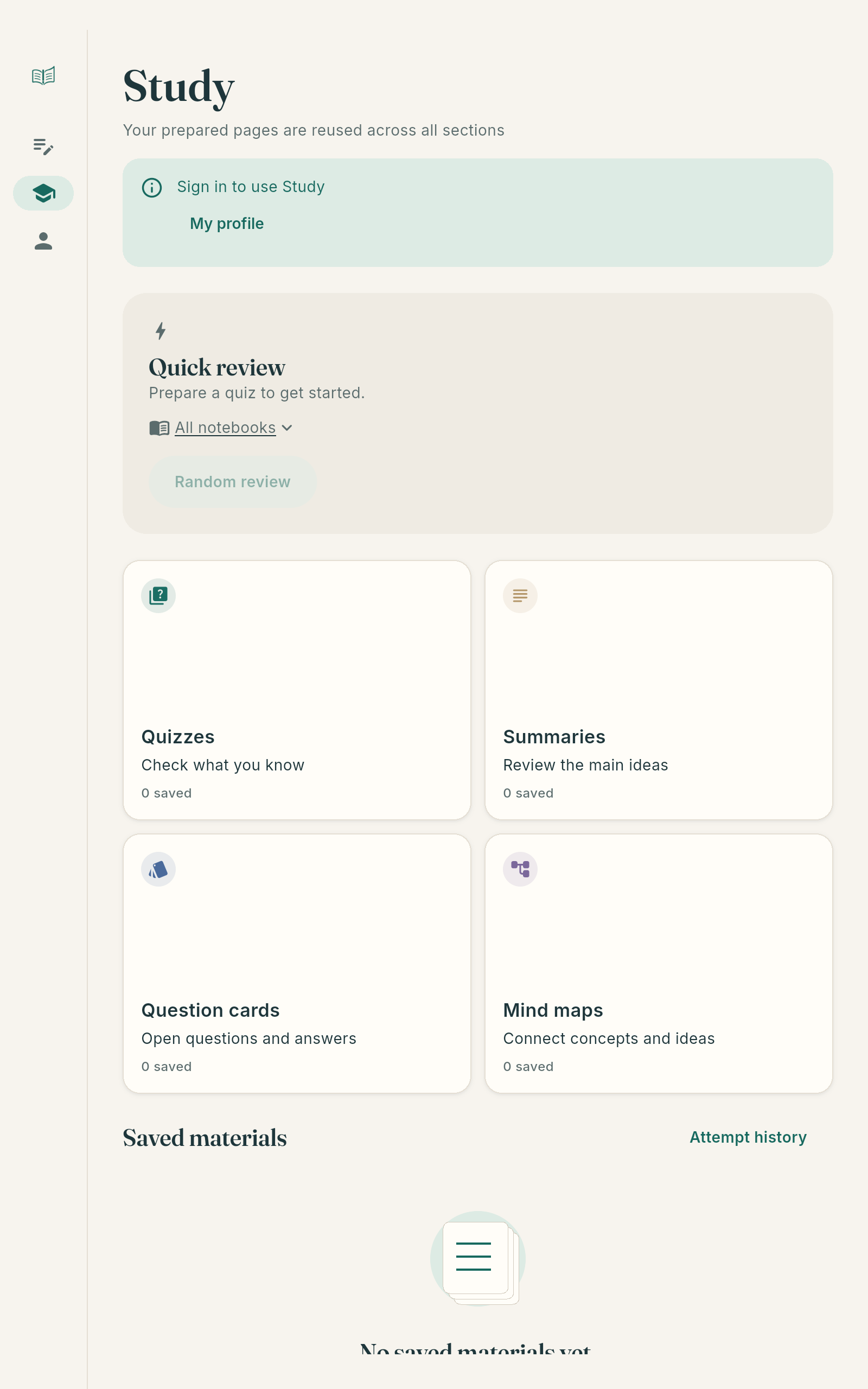
- Summaries, quizzes, flashcards and mind maps made from your own pages
- Answers to questions about your notes
- Spaced repetition and an exam plan
- Lecture recording synced with what you write
- Sharing through a .studia file
Architecture
One Flutter codebase runs on Android and Windows. Notebooks live on the device. When a student asks for AI help, the app sends only what’s needed — page text, page images or a transcript — to my Node.js server, which calls the AI provider. The API key never leaves the server.
- Flutter app
- One codebase for Android and Windows. Notebooks are stored on the device, and core features work offline.
- Node.js server
- Receives only what the AI needs, adds the API key, calls the provider and returns the result. Also validates purchases and serves the website.
- OpenAI API
- Generates summaries, quizzes, flashcards and answers from the student’s own pages. Called only from the server.
- Google Play Billing
- Purchases are confirmed on the server, never decided by the app alone.
- Resend + SQLite
- Transactional emails, and the forms and admin data the server keeps.
Key decisions
AI only through the server
An API key inside an app can be extracted. Keeping it on the server also lets me control usage and costs.
Notebooks stay on the device
Privacy by default. The server stores no notes or images, and audio is never sent.
One Flutter codebase for two platforms
One person can maintain Android and Windows. Platform differences, like on-device handwriting recognition on Android, are handled explicitly.
Offline first
Writing, organising and reviewing work without a connection — students don’t always have one.
Purchases validated on the server
The app never decides by itself who has a paid plan.
How I worked with AI
I designed the program’s structure and used AI tools to write much of the app code, under my direction. I reviewed and integrated what they produced, and I built everything on the server side myself, including how API keys are handled.
Result
A working product on two platforms, in closed testing with real users, with a Windows installer and a Google Play launch on October 27, 2026. The product website, studianotes.com, is served by the same Node.js server.
What’s next
Cloud sync, share links and class groups — once there’s a steady user base.
Questions about the project
Did you build studIA alone?
Yes. I’m the only person on the project: I designed the architecture, directed the AI-assisted development of the app and built the server.
Can I see the code?
The source code is private because studIA is a live product. I’m happy to walk through the code and the architecture in an interview.
Which AI does it use?
OpenAI models, called only from the server.